
 GEN 1 · The Last Toy (13 shots · 30s) · T1
Free · copies cast, sets and prompts to your workspace · you pay only when you generate
About this template
Build two creature model sheets of the same husky-wolfdog with an identical layout, and change only its state. In The Last Toy, both sheets were made with GPT Image 2.5 Flare at 2K on a light cream background, each with a title block, labeled color swatches, front and side head portraits and full-body views. The healthy sheet shows the dog trotting with the plush rabbit in its mouth, while the infected sheet adds skin and armor swatches and switches to a crouched, aggressive pose. Because proportions and markings repeat across both sheets, the video model reads them as one animal in two conditions. The rabbit toy got its own product-style references, including a detail shot of its frayed ear, so the prop carries over from the memory to the bunker.
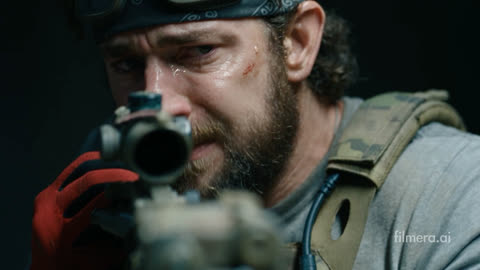
The prompt locks the camera for exactly two shots so the framing matches across the cut. Every other shot is written as heavy, unstabilized handheld, but Shots 8 and 9 are static and identical, so the dim bunker turns into a bright highway lined with red poppies while only the world changes. A hard cut at Shot 12 then drops the viewer back into the bunker. Each environment has its own empty scene plate, one lit by a single dying fluorescent tube and the other by direct afternoon sun with a dam in the distance, and both are referenced in the video prompt. The look is deliberately raw: natural light, low contrast, muted tones and no color grading.
The canvas holds 9 reference image nodes and one Seedance 2.5 video node that renders the whole scene in a single generation: 13 numbered shots, about 30 seconds, 16:9 at 480p. The references include the two dog sheets, two plush rabbit studies, the bunker plate and the memory plate. To remake it, duplicate the template and replace the sheets with your own creature, character or product while keeping the same layout. Then rewrite the shot list so each shot picks up where the previous one stopped, keep the locked-off pair around your cut, and regenerate. The finished clip can be trimmed on the timeline and exported as mp4 or FCPXML.