
 Screenshot 2026-09-23 at 16.50.15 · T1
Free · copies cast, sets and prompts to your workspace · you pay only when you generate
About this template
You tell the model to rebuild the photo as it is and allow only one kind of change: the fine detail a sharper camera would have caught. In this template the source photo is linked to the image node as @Image1, and the prompt lists what must stay fixed, from identity, expression and pose to clothing, background, crop, lighting and colour. New detail is limited to things like hair strands, skin pores, fabric weave and edge texture. The prompt also keeps the natural grain and asks for soft background blur to stay smooth, so the model does not invent texture in out-of-focus areas.
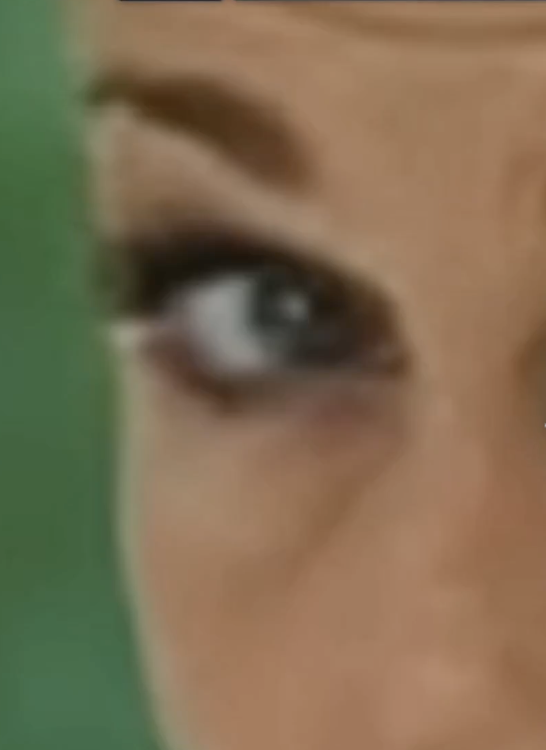
Each prompt follows the same three-part pattern: declare a faithful high-resolution upscale, describe the source image in concrete terms, then name the only detail the model may add. The general node uses a neutral description that works for any photo, while the example nodes describe their source closely. One example covers a very blurry extreme close-up of a single eye, noting the grey-green iris, catchlight, eyeliner and green background; another covers a tight close-up of a blonde woman in a black headband with a shocked expression. Spelling out these specifics gives the model anchors so it sharpens the subject instead of reinterpreting it.
The canvas holds 7 reference image nodes and several upscale nodes, all set to GPT Image 2.5 Sunburst at 4K. The main node is square at 1:1, one example uses 3:4 and another uses auto, so you can match the shape of your source. Connect your own low-resolution photo, add a short description of what is in it to the prompt, and generate. The before and after images can then sit side by side on the canvas or be placed on the timeline for a comparison clip.